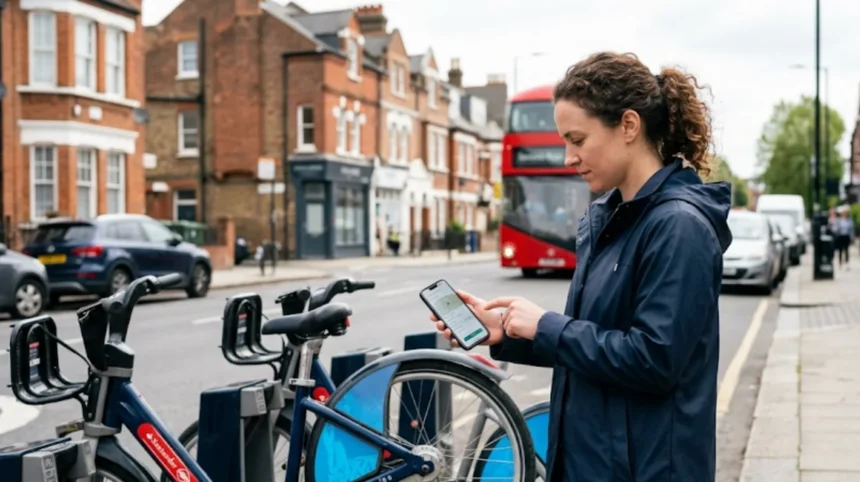
South London residents can report broken Zipcars through the Zipcar app or by calling 0333 240 9000, while hire bikes (Santander Cycles) are reported via the TfL website or by using the official app’s “Report an Issue” feature. Both services operate clear, documented procedures for reporting vehicle or bike faults, ensuring users are not held liable and services are repaired quickly.
- What options exist to report a faulty Zipcar in South London?
- How does the Zipcar mobile app report vehicle problems?
- What phone and email channels work for Zipcar reports in the UK?
- How does Zipcar handle damage and maintenance reports after inspection?
- How do you report a broken or faulty hire bike in South London?
- What is the official process to report a Santander Cycle problem?
- Which contact methods work for Santander Cycle complaints and issues?
- How does TfL ensure broken bikes are repaired or removed?
- What are the key differences between reporting a Zipcar and a hire bike in South London?
- How do South London boroughs influence Zipcar and hire bike reporting?
- What role do local councils play in bike and car sharing reporting?
- What evidence shows that reporting broken vehicles improves service quality?
- How do reporting systems reduce user liability and improve safety?
- What steps should South London users take if a Zipcar or hire bike remains unfixed after reporting?
- How can users escalate unresolved vehicle or bike issues in South London?
- What future developments are expected for Zipcar and hire bike reporting in South London?
- How will technology improve reporting accuracy and speed in South London?
What options exist to report a faulty Zipcar in South London?
South London users can report a faulty Zipcar via the Zipcar mobile app, by calling 0333 240 9000, or by emailing ukfleetservices@zipcar.co.uk for serious issues such as事故 damage. Each method is supported by Zipcar’s operational rules and documented in their Help Center and community guidelines.
How does the Zipcar mobile app report vehicle problems?
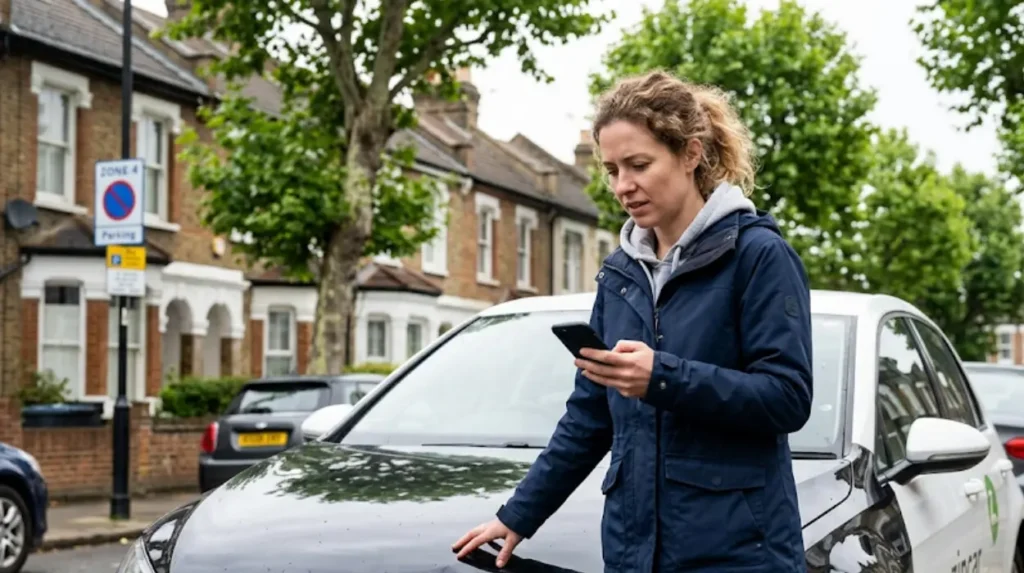
The Zipcar app allows members to report pre-ride issues such as damage, low fuel, dirty interiors, or warning lights before starting a trip. Users must open the app, go to the “Drive” screen, select “Report,” and submit details including photos and a written description. This process ensures the fault is logged before the trip begins, protecting the member from liability.
Zipcar’s UK rules state that members must inspect the vehicle inside and out before driving. The app’s “Report” function captures this inspection and creates a timestamped record. If damage is not reported before the trip, the member may be charged for repairs.
What phone and email channels work for Zipcar reports in the UK?
For urgent issues or problems not covered by the app, users in the UK can call 0333 240 9000. Phone support is available 24 hours a day for active reservations and from 8am to 7pm at other times. For non-urgent or detailed issues, users can email ukfleetservices@zipcar.co.uk, especially for accident reports or complex damage cases.
Zipcar’s Help Center confirms that phone and email channels are the official routes for reporting issues outside the app. Users should include their reservation ID, vehicle registration, and a clear description of the problem. Photos are strongly recommended for damage cases.
How does Zipcar handle damage and maintenance reports after inspection?
After a member reports damage or a maintenance issue, Zipcar inspects the vehicle and may send it to a repair shop for assessment. If an insurance claim is required, Zipcar files it with the relevant insurer. Members are notified via email when the investigation is complete and whether a damage fee applies.
Zipcar’s UK policy suspends membership until all documentation is submitted and the investigation finishes. This process usually takes less than two weeks. Members must forward any police reports or third-party correspondence to ukfleetservices@zipcar.co.uk females.
How do you report a broken or faulty hire bike in South London?
South London residents can report broken Santander Cycles (hire bikes) via the Transport for London (TfL) website, the official Santander Cycles app, or by contacting TfL customer services. Reports include issues such as broken brakes, faulty gears, damaged frames, or missing components.
What is the official process to report a Santander Cycle problem?
Users can report a faulty Santander Cycle using the TfL website’s “Report an issue with Santander Cycles” page. The form requires location details, bike ID (if visible), and a description of the problem. TfL logs the issue and arranges for maintenance teams to inspect and repair or remove the bike.
The Santander Cycles app also includes a “Report an Issue” function. Users select the bike, choose the problem type (e.g., brakes, gears, frame), and submit a report. This method is faster and provides real-time location data to TfL’s operations team.
Which contact methods work for Santander Cycle complaints and issues?
TfL’s customer services can be contacted by phone at 0343 222 1234 or via email using the TfL contact form. Users should include the bike ID, hub location, and a clear description of the fault. TfL uses these reports to prioritize maintenance and remove unsafe bikes from the network.
TfL’s official guidance states that all reported issues are logged and reviewed by the Santander Cycles operations team. Bikes flagged as unsafe are removed from hubs quickly to prevent accidents.
How does TfL ensure broken bikes are repaired or removed?
TfL maintains a scheduled maintenance program for Santander Cycles and uses reported issues to adjust priorities. When a bike is reported as broken, TfL’s operations team assigns a maintenance task to inspectors in the relevant borough. Inspectors either repair the bike on site or remove it from the hub.
TfL publishes data on Santander Cycle maintenance and usage in its annual reports. These reports show that thousands of bikes are inspected and repaired each year, with broken bikes removed within days of being reported.
What are the key differences between reporting a Zipcar and a hire bike in South London?
Zipcar and Santander Cycles use different reporting systems, liability rules, and maintenance processes. Zipcar reports are member-driven via app, phone, or email, with liability tied to pre-ride inspection. Santander Cycle reports are TfL-managed, with liability on the operator for maintenance and safety.
| Feature | Zipcar | Santander Cycles (Hire Bike) |
|---|---|---|
| Reporting method | App, phone, email | TfL website, app, customer services |
| Liability | Member (if not reported pre-ride) | TfL (operator) |
| Maintenance | Zipcar arranges repair after report | TfL inspections and scheduled maintenance |
| Contact frequency | 24/7 for active reservations | Standard customer service hours |
| Data used for tracking | Reservation ID, vehicle reg | Bike ID, hub location |
Zipcar’s community rules require members to inspect vehicles before driving and report issues immediately. Santander Cycles rely on TfL’s operational teams to monitor and maintain bikes, with user reports as a trigger for inspection.
How do South London boroughs influence Zipcar and hire bike reporting?
South London boroughs such as Lambeth, Wandsworth, Southwark, and Richmond have Zipcar hubs and Santander Cycle stations. Reporting procedures do not change by borough, but local maintenance teams for Santander Cycles operate within each borough’s area. Zipcar’s fleet management is London-wide, with no borough-specific variation.
TfL’s Santander Cycle maintenance teams are assigned by borough, ensuring faster response times for reported issues. Zipcar’s inspections and repairs are handled by regional partners, with no borough-specific differences in process.
What role do local councils play in bike and car sharing reporting?
Local councils in South London do not manage Zipcar or Santander Cycle reporting directly. They may coordinate with TfL and Zipcar on hub locations, parking, and safety. Councils often publish guidance on using shared vehicles and encourage residents to report issues through official channels.
Council websites in South London link to TfL and Zipcar support pages for reporting broken bikes or cars. They do not maintain independent reporting systems for shared vehicles.
What evidence shows that reporting broken vehicles improves service quality?
Data from TfL and Zipcar shows that reported issues lead to faster maintenance and removal of unsafe vehicles. TfL’s annual Santander Cycle reports indicate that thousands of bikes are inspected and repaired annually based on user reports. Zipcar’s damage and maintenance logs show that members who report issues pre-ride reduce liability claims and improve fleet reliability.
TfL publishes maintenance statistics showing that reported issues are prioritized and resolved within days. Zipcar’s policy states that members who report issues before trips are not held liable for pre-existing damage.
How do reporting systems reduce user liability and improve safety?
Reporting systems protect users by creating a timestamped record of vehicle or bike condition before use. For Zipcar, this means members are not charged for pre-existing damage if reported via the app. For Santander Cycles, reported issues lead to quick removal of unsafe bikes, reducing accident risk.
Both services use reported data to improve fleet quality and user experience. TfL and Zipcar track issue resolution times and publish performance metrics to demonstrate service reliability.
What steps should South London users take if a Zipcar or hire bike remains unfixed after reporting?
If a Zipcar remains unfixed after reporting, users should contact Zipcar customer services again, include their reservation ID, and request escalation. If a Santander Cycle remains broken after reporting, users should contact TfL customer services, provide bike ID and location, and request follow-up.
Both services have escalation paths for unresolved issues. TfL’s customer services can arrange for a senior operations team to review the case. Zipcar’s support team can escalate to fleet management if a vehicle is not repaired after multiple reports.
How can users escalate unresolved vehicle or bike issues in South London?
Users can escalate unresolved issues by contacting Zipcar at 0333 240 9000 or TfL at 0343 222 1234, specifying that the issue remains unresolved and requesting escalation. Both services have defined escalation procedures for unresolved cases.
TfL and Zipcar track escalation requests and assign senior staff to review unresolved issues. Users should provide all previous report details, including timestamps and report IDs, to support their escalation.
Explore More Help & Resources
How to navigate the Streatham Wells LTN road closures
How to check if your car is ULEZ compliant for 2026
What future developments are expected for Zipcar and hire bike reporting in South London?
Zipcar and TfL are integrating more automation into reporting systems, including AI-driven image analysis for damage and bike faults. Both services plan to expand real-time tracking of issue resolution and provide users with status updates via app notifications.
TfL’s digital strategy includes improving Santander Cycle reporting through enhanced app features and data integration. Zipcar’s future plans include expanded app-based reporting and automated fault detection using vehicle sensors.
How will technology improve reporting accuracy and speed in South London?
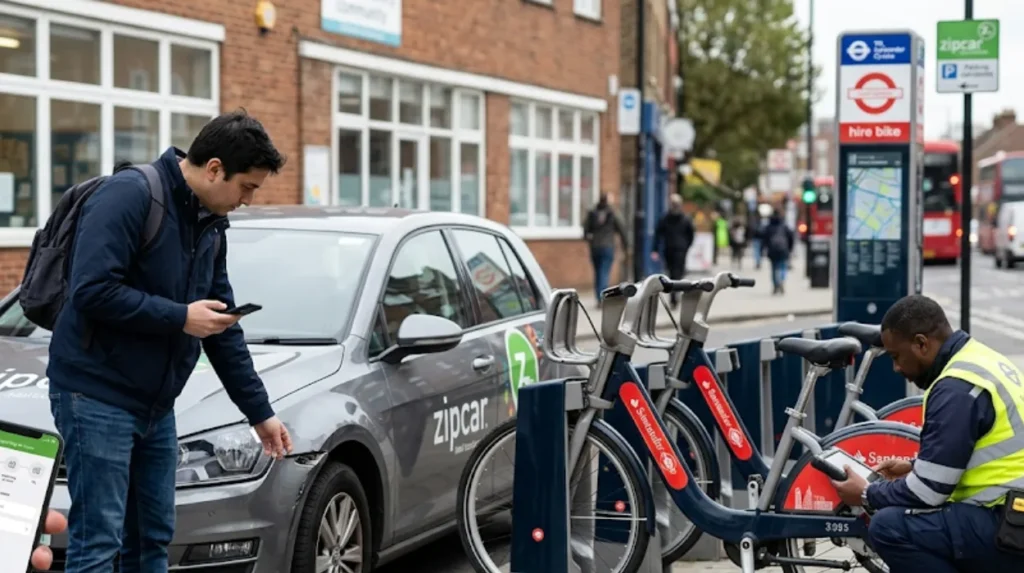
AI and sensors will allow Zipcar and Santander Cycles to detect faults automatically and log them before users report. This reduces reliance on manual reporting and improves accuracy. Real-time status updates will help users track issue resolution and avoid using faulty vehicles.
Both services plan to use data analytics to prioritize maintenance and remove unsafe vehicles faster. This will improve user safety and service reliability across South London.
How do I report a broken Zipcar in South London?
You can report a faulty Zipcar through the Zipcar mobile app before or during your trip, by calling 0333 240 9000, or by emailing ukfleetservices@zipcar.co.uk